




Bereit zum Spielen?
Dein Server ist
einen Klick entfernt.
Wähle dein Spiel, such dir einen Plan aus und spiele in unter 60 Sekunden los. Kein Lag, keine Ausreden.
Wuff! Los geht's!

Neu: Spare 20 % im ersten Monat, Code BRUCE20
Bereit zum Spielen?
Wähle dein Spiel, such dir einen Plan aus und spiele in unter 60 Sekunden los. Kein Lag, keine Ausreden.
Wuff! Los geht's!
Hytale is no longer a promise. Hypixel Studios shipped Early Access on January 13, 2026, and launch pulled 444,000 concurrent Twitch viewers plus around 768,000 monthly active players. Four major updates have landed since, Update 5 ships weekly patch notes, and CurseForge already has Hytale mods with hundreds of thousands of downloads.
So if you want to play Hytale with friends on your own server, whether that's a 5-person friend group, an RPG community, or a heavy modded adventure, this is the 2026 walkthrough that gets you there. We'll cover hardware sizing, the official server download, the new device-auth flow, UDP port forwarding, mods, performance tuning, and the five errors that catch most first-time hosts.
Or you can skip all of it and run Hytale on BruceNode's one-click preset. Same hardware, same panel, zero setup. Code BRUCE20 gets 20% off your first month.
config.json (server name, max players, port).PUBLIC_IP:5520.If any of steps 2 through 6 sound like homework, a hosted Hytale server takes about 60 seconds and handles every step automatically.
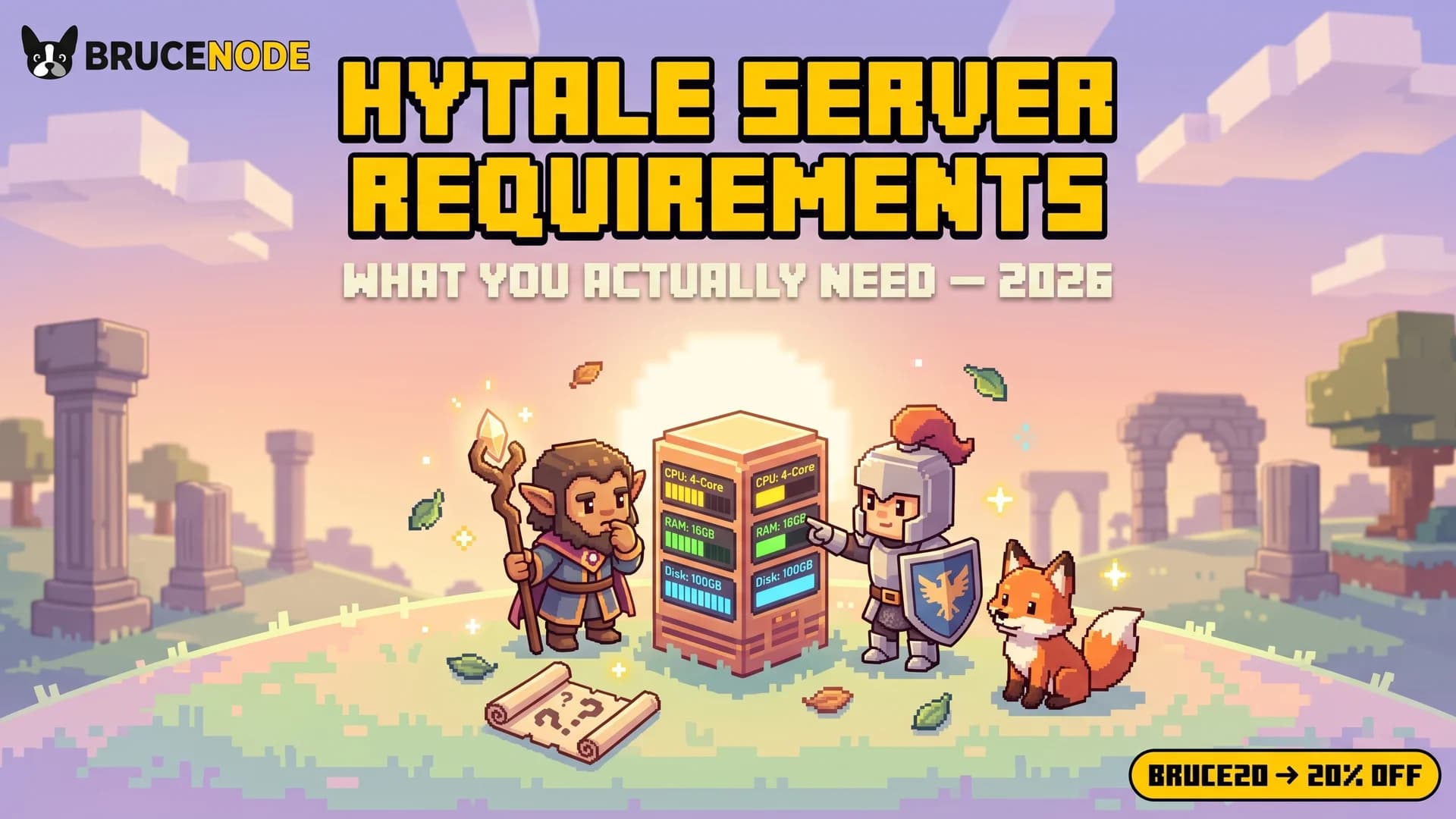
A Hytale server needs 4 GB of RAM for up to 5 players on vanilla, 6 to 8 GB for 10 to 15 players, and 12 GB+ for heavily modded servers. CPU single-thread performance matters more than raw core count. Hytale's tick loop, like Minecraft's, runs hot on high clock speeds.
More RAM than you need isn't always better. Oversized allocations cause Java garbage-collection stalls that show up as TPS dips.
Reference sizing chart:
| Config | Players | Recommended RAM |
|---|---|---|
| Vanilla | 1 to 5 | 4 GB |
| Vanilla | 6 to 15 | 6 to 8 GB |
| Light mods (5 to 10) | 5 to 15 | 8 to 10 GB |
| Medium mods (20+) | 10 to 20 | 12 to 16 GB |
| Heavy modded (Adventure + RPG) | 15 to 25 | 16 GB+ |
Use our hosting-RAM calculator for a second opinion based on your exact player count.
Hytale's dedicated server targets Java 25. Older runtimes simply won't start it.
Linux (recommended for long-running hosts):
# Ubuntu / Debian
wget -O - https://packages.adoptium.net/artifactory/api/gpg/key/public | sudo apt-key add -
echo "deb https://packages.adoptium.net/artifactory/deb $(awk -F= '/^VERSION_CODENAME/{print$2}' /etc/os-release) main" | sudo tee /etc/apt/sources.list.d/adoptium.list
sudo apt update && sudo apt install temurin-25-jre
java -version  # confirm "openjdk version 25"
Windows + macOS: download the installer from adoptium.net and run it. Restart your terminal and run java -version to confirm.
Hytale's server files come directly from Hypixel Studios via the official Hytale Server Manual. The manual walks through the exact download link, supported OSes, and the licence-key requirements.
Extract the bundle to a fresh directory. Don't mix it with your local Hytale client install.
mkdir hytale-server
cd hytale-server
# extract the downloaded archive here
You'll end up with the server executable, a config/ folder, and a launch script (.sh or .bat depending on OS).
Open config.json (the main server config). At minimum, set:
Save it. You'll reload it after any mod install or tuning change.
Hytale uses the QUIC protocol over UDP, not TCP. This is the single biggest gotcha for first-time hosts coming from Minecraft, which uses TCP. Don't bother forwarding TCP. Forward UDP only, or the server boots fine but no client can connect.
If you're hosting from home:
192.168.1.1 or 192.168.0.1).config.json) to your host machine's local IP.Worth knowing: ISPs increasingly use carrier-grade NAT which breaks port forwarding even when configured correctly. If external players still can't connect after you've triple-checked the rules, your ISP may be the bottleneck. That's the moment a cloud-hosted Hytale server with a real public IP becomes the easier path.
This is the part that catches everyone, because Minecraft doesn't have it and the older Hytale guides don't cover it.
When you launch the server for the first time, the console prints a one-time device code and a URL. Open the URL in any browser:
Visit https://accounts.hytale.com and enter code ABCD-1234.config/auth/. You won't be prompted again unless you wipe that folder.If you skip this step, the server will boot but reject every connection.
Run the launch script. First boot creates log files and initialises world data. Watch the log for a line confirming the server is ready to accept connections.
Connect from your Hytale client using PUBLIC_IP:5520.
Hytale's modding ecosystem is live and growing fast. Popular community mods to consider:
Workflow:
.zip from CurseForge.mods/ folder (or wherever the official manual points for your build).Golden rule: every mod must target the same Hytale Update version. Mismatched Update 4 vs Update 5 mods are the #1 cause of silent mod failures.
Java version not supportedWhat it means. You're running Java 8, 11, 17, or 21. Hytale wants 25.
Fix. Install Adoptium Temurin 25, set your JAVA_HOME to its install path, then java -version to confirm. Hosted plans handle this for you.
Authentication failed or Device not registeredWhat it means. You skipped the first-launch auth flow, or you wiped config/auth/ accidentally.
Fix. Stop the server, restart, watch the console for the device code, complete the flow at accounts.hytale.com.
Port already in useWhat it means. Another process (or another Hytale server instance) is holding UDP 5520.
Fix. Change the port in config.json, or stop the conflicting process. On Windows: netstat -ano | findstr :5520. On macOS/Linux: lsof -i :5520.
Cannot allocate memory (crash on boot)What it means. You asked Java for more RAM than the host machine has free.
Fix. Lower the -Xmx value in the launch script. Rule of thumb: leave 2 GB for the OS, give the rest to the server. On an 8 GB machine, -Xmx6G is the max safe value.
Can't keep up / TPS drops in logsWhat it means. The server is under-powered for the load. Too many mods, too many players, or too-low CPU clock.
Fix. Reduce view distance, simulation distance, or active-chunk count in config.json. If you're on a 3.0 GHz or lower CPU, upgrade the hardware or move to a host like BruceNode running AMD's high-clock platform.
| Factor | Self-host at home | BruceNode hosted |
|---|---|---|
| Cost | Hardware + power + network | $2 to $28/mo |
| Setup time | 30 to 60 min (experienced) | 60 seconds |
| Uptime | Your PC + power | 24/7 with SLA |
| Java install | You do it | Pre-installed Java 25 |
| UDP port forwarding | You do it | Handled |
| Device auth | You do it | Handled |
| Hardware tuning | Buy your own CPU | AMD single-thread-optimised platform included |
| Mods | SFTP + restart | One-click via panel |
Self-hosting works great for 5-person friend groups on a closed LAN. The moment you want public access, 24/7 uptime, or a growing community, the math flips fast.
BruceNode Hytale plans start at $2/mo with BRUCE20 for 20% off your first month.
cron plus save-rotation script.Is Hytale still in Early Access in 2026?
Yes. Hytale launched Early Access on January 13, 2026 and is actively receiving updates. Full 1.0 release has not been announced as of this post. Adventure Mode (a key post-launch feature) is slated for a future update.
Does the Hytale server really need Java 25 specifically?
Yes. The dedicated server bundle targets Java 25 via Adoptium Temurin (or your distribution's equivalent OpenJDK 25 build). Older Java versions (21, 17, 11, 8) will fail to start it. Future Hytale updates may move to a newer Java release, so always check the official server manual when you update.
Why UDP, not TCP?
Hytale uses the QUIC protocol over UDP. QUIC handles connection setup and packet loss faster than TCP in low-latency game scenarios, and it's already shipping in major browsers and CDNs. The practical impact for you: forward UDP only when setting up the router rule.
Can I run a Hytale server on Windows, macOS, or Linux?
Per the official Hytale Server Manual, the dedicated server ships for the major desktop OSes. Performance tends to be best on Linux for long-running hosts. Less OS overhead, better Java GC behaviour under load. Most hosted providers (us included) run Linux under the hood.
How many players can a Hytale server handle?
Depends entirely on RAM, CPU, and mod load. A 6 GB plan on modern hardware comfortably handles 10 to 15 vanilla players. A 16 GB plan with a full mod list handles 20 to 25. Past 30 concurrent, chunk loading and mod overhead start to compete.
Do I need a licence for each player?
Each player needs their own Hytale account and game licence. The server validates against their account at connection time, the same way Minecraft online-mode servers do.
What's the best Hytale hosting in 2026?
The right host gives you: fast single-thread CPU (3.8 GHz+), NVMe disk, Java 25 pre-installed, UDP-friendly networking out of the box, a panel with CurseForge or direct-mod install, and real humans on support. BruceNode's Hytale plans cover all of it. Code BRUCE20 for 20% off your first month.
Hytale's launch window is the first-mover moment for server hosts. Content, mods, and community infrastructure are all being built in real time. Whether you self-host for your friends or spin up a public server, the tech is more approachable than a brand-new 2026 survival game usually is.
If you run into a setup issue we didn't cover here, open a ticket in our Discord or email hi@brucenode.com. We've helped enough Hytale server admins in the first week of Update 4 to spot most issues from the first five lines of a log.
Happy adventuring.
| Updates | You track them | Pre-staged, we deploy |
| Backups | Your problem | Toggle on, done |